
Script templates
Start faster with a ready structureYour script
Autosaved locallyVoice style presets
One click voice directionVoice controls
Fine-tune the deliveryAI Voice Over Artists
Choose a professional voice characterProvider: Browser
Voice Direction: Clean, natural, studio-style voiceover
text to speech online free unlimited
Looking for a simple text to speech online tool? This free tool helps you turn written text into clear speech in just a few clicks. You can paste your script, choose a voice, adjust the speed, change the pitch, and listen to the result instantly.

It is useful for YouTube videos, reels, tutorials, ads, learning content, product demos, and quick voiceover testing. You do not need to install software or create a complicated setup. Just write, play, and improve your script.
Free ai voice generator
This text to speech maker online is easy to use. First, paste your text into the script box. Then choose a voice from the available text to speech voice generator. After that, adjust the speed, pitch, and volume to match your content style.
When you click the play button, the tool reads your text aloud. You can pause, resume, stop, or play selected text only. This makes it easier to test different parts of your script before using it in your video or project.
Why Use a speech to text online Free Tool?
A text to speech online free tool saves time because you can check how your words sound before recording. It helps you find long sentences, weak hooks, repeated words, and lines that do not sound natural.
Many creators use text to voice generator to test video scripts, social media captions, ads, tutorials, and business messages. It is a fast way to improve your content before publishing.
Text to Speech Online Free Unlimited
This tool works as a text to speech online free unlimited preview tool because you can use it directly in your browser. You can test short scripts, long scripts, first sentences, last sentences, or selected text.
The voices depend on your browser and device. Some users may see Google-style voices, Microsoft voices, English voices, or other system voices. That is why it can also help users searching for text to speech Google, text to speech online Google, or text to voice online free unlimited Google.
text to speech software for Creators
This text to speech converter is made for creators, students, teachers, marketers, and website owners. You can use it for YouTube voiceovers, TikTok scripts, Instagram reels, Pinterest videos, online lessons, explainer videos, and product ads.
It also includes helpful options like script templates, pause insertion, clean text, sentence preview, pronunciation helper, word count, sentence count, reading time, and script export. These features make your voiceover workflow faster and easier.
Is This Text to Speech Online No AI?
This tool can work as a english text to speech online AI option because it uses your browser’s built-in speech feature. You can preview your text without needing a paid account or advanced setup.
For users who only need quick voice testing, this is a simple and practical solution. For professional MP3 or WAV voice download, the tool can later be connected with a premium voice API.
Who Can Use This Tool?
Anyone can use this text2speech tool. It is helpful for video creators, bloggers, online sellers, students, teachers, freelancers, and business owners.
You can use it to test scripts for ads, tutorials, product descriptions, course lessons, social media videos, website content, and presentations. Listening to your script also helps you write in a more natural way.
Try More Free Tools on DigitalHal
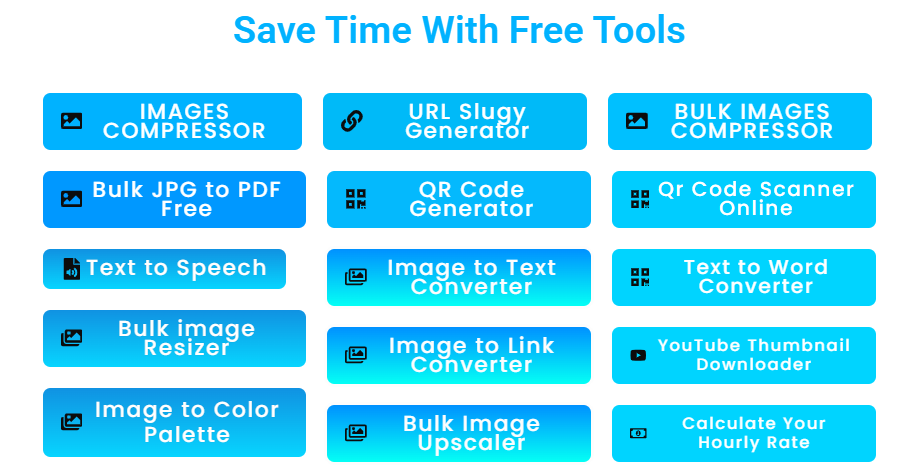
This tool is part of DigitalHal’s free online tools collection. You can visit DigitalHal.com to explore more free tools that help you save time, create content, improve your workflow, and complete daily online tasks faster.
Whether you need a text to speech online free tool, image tools, calculators, converters, or content tools, DigitalHal gives you simple tools that are easy to use and beginner-friendly.
Final Words
This text to speech maker online gives you a fast and easy way to turn text into speech. You can test your script, improve your voiceover flow, and make your content sound better before recording or publishing.
Use this text to speech online tool whenever you need a quick voice preview for videos, ads, tutorials, learning content, or social media posts. Then visit DigitalHal.com for more free tools that make your work easier.


